Digital Tasbih
2026
Lightweight Web App
Production • Personal Tools • Browser-based • Vibe Coding • bolt.new • Privacy-conscious design • Experimental



Overview
Coming from a software engineering background, I know how to build complex systems. This project was a deliberate exercise in the opposite, how little can I build and still solve the problem completely?
I needed a digital tasbih. Not an app with accounts, cloud sync, or analytics. Just a counter that remembers where I left off when I close the browser; without sending a single byte of my data anywhere. Most Islamic apps do too much. I wanted just enough.
This project was also my first real test of vibe coding, not as a gimmick, but as a discipline check: how well can engineering instinct translate into clear AI prompts before a single line of code is written?
Turns out, pretty well.
Key Features
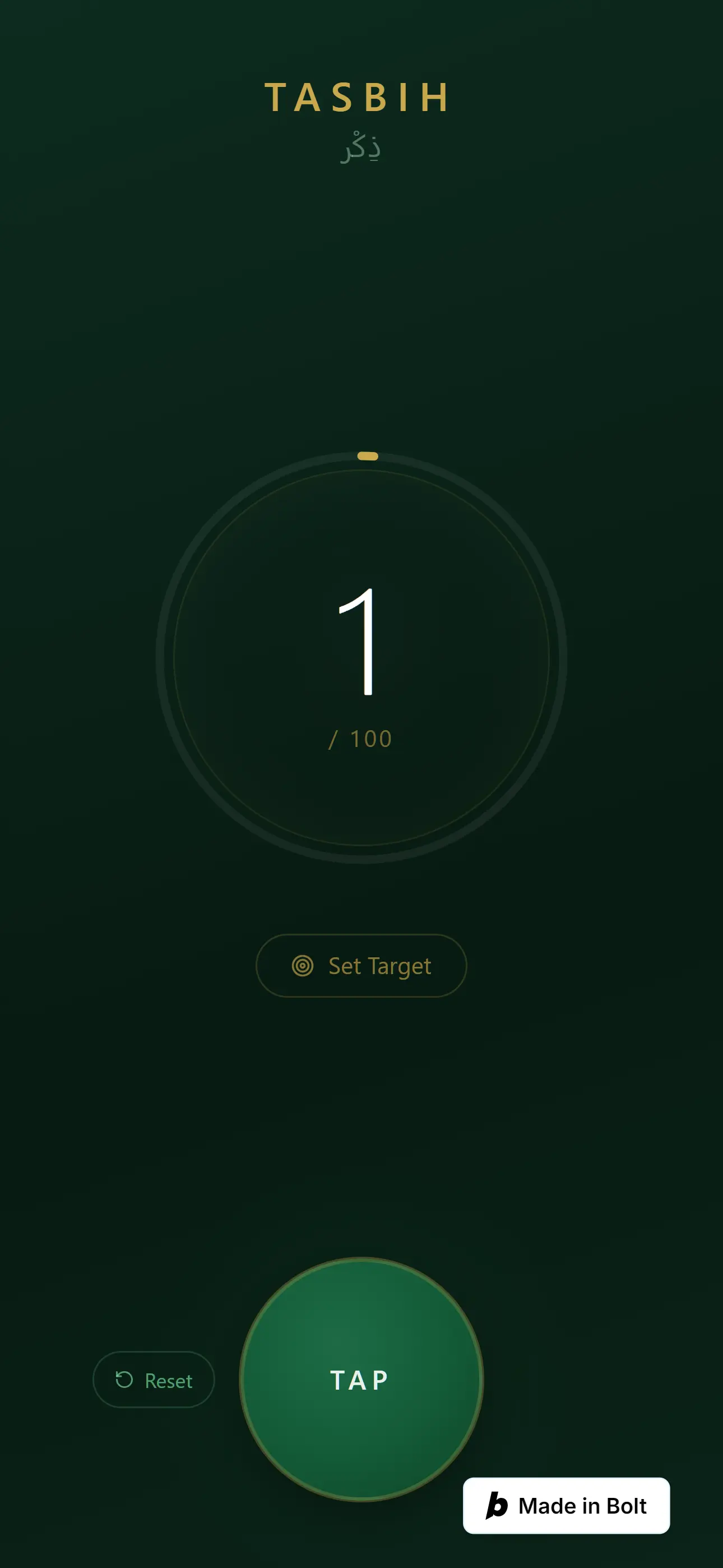
- Large tap button optimized for one-handed mobile use
- Counter persists across sessions via Local Storage. No cloud, no account needed
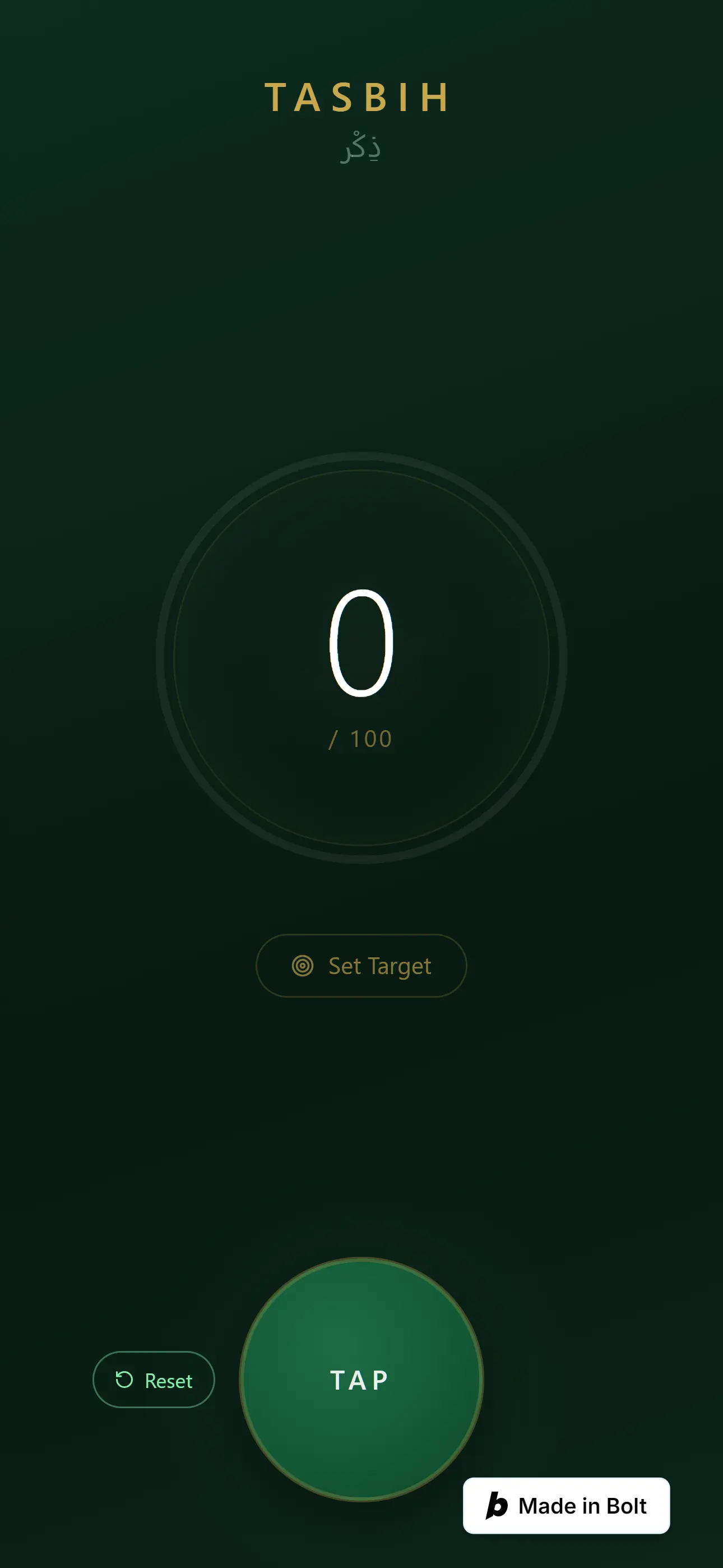
- Reset button to start a new dhikr from zero
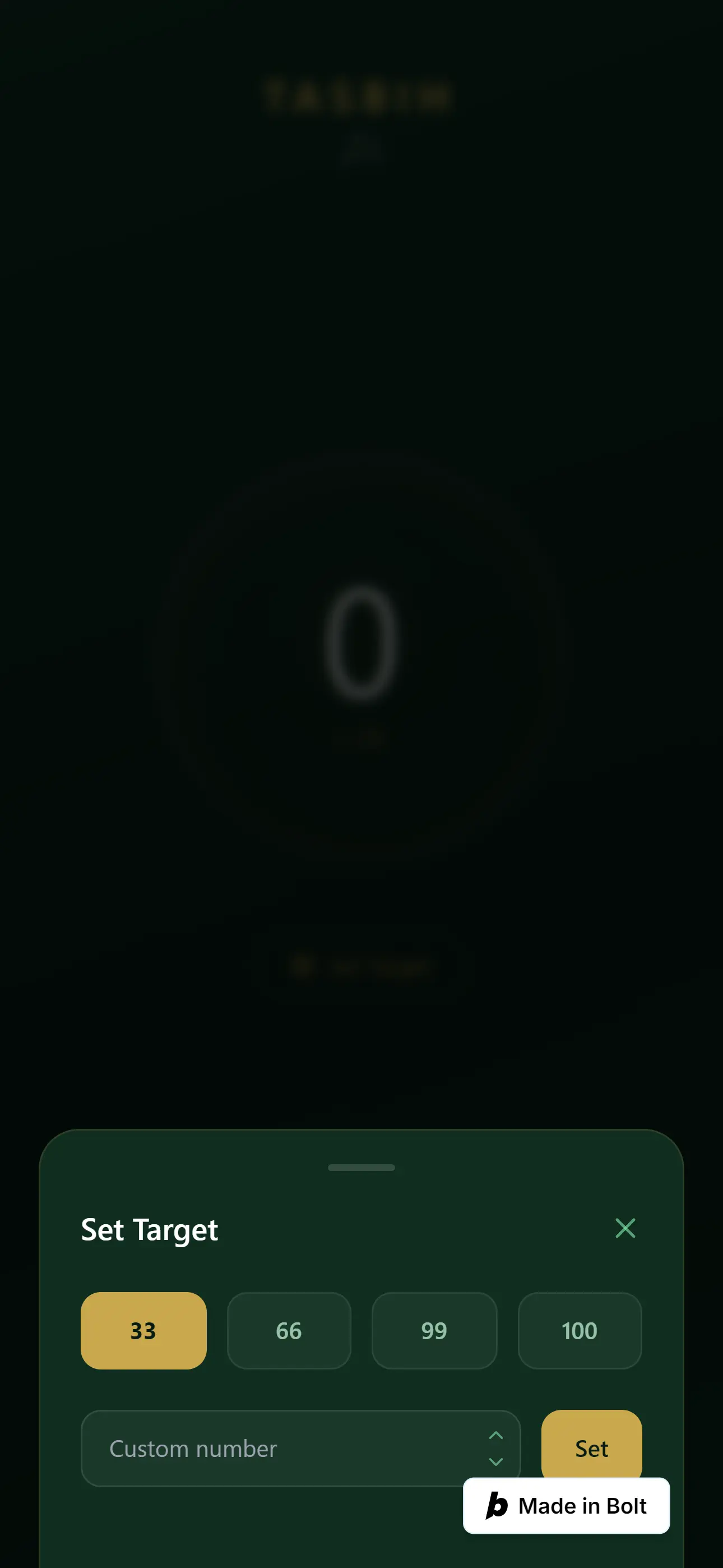
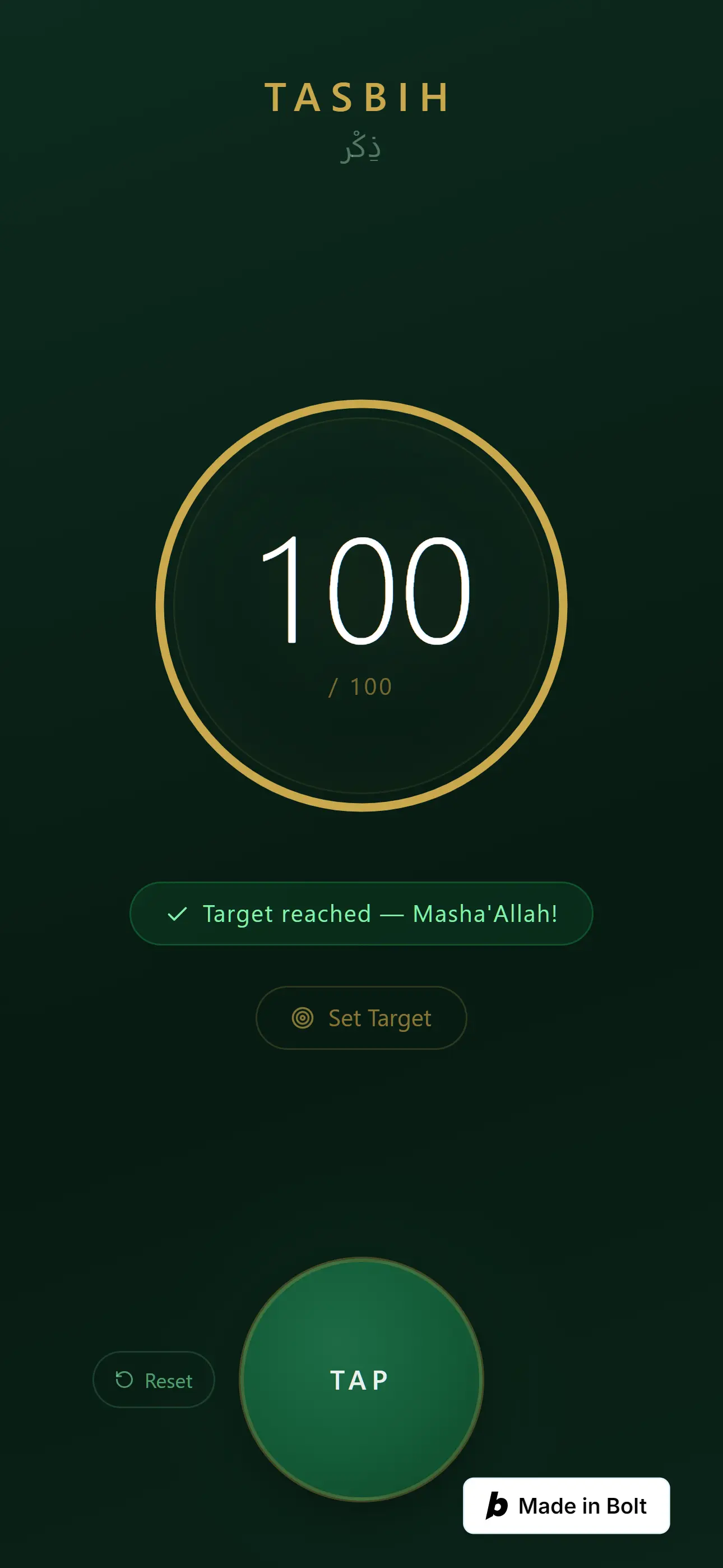
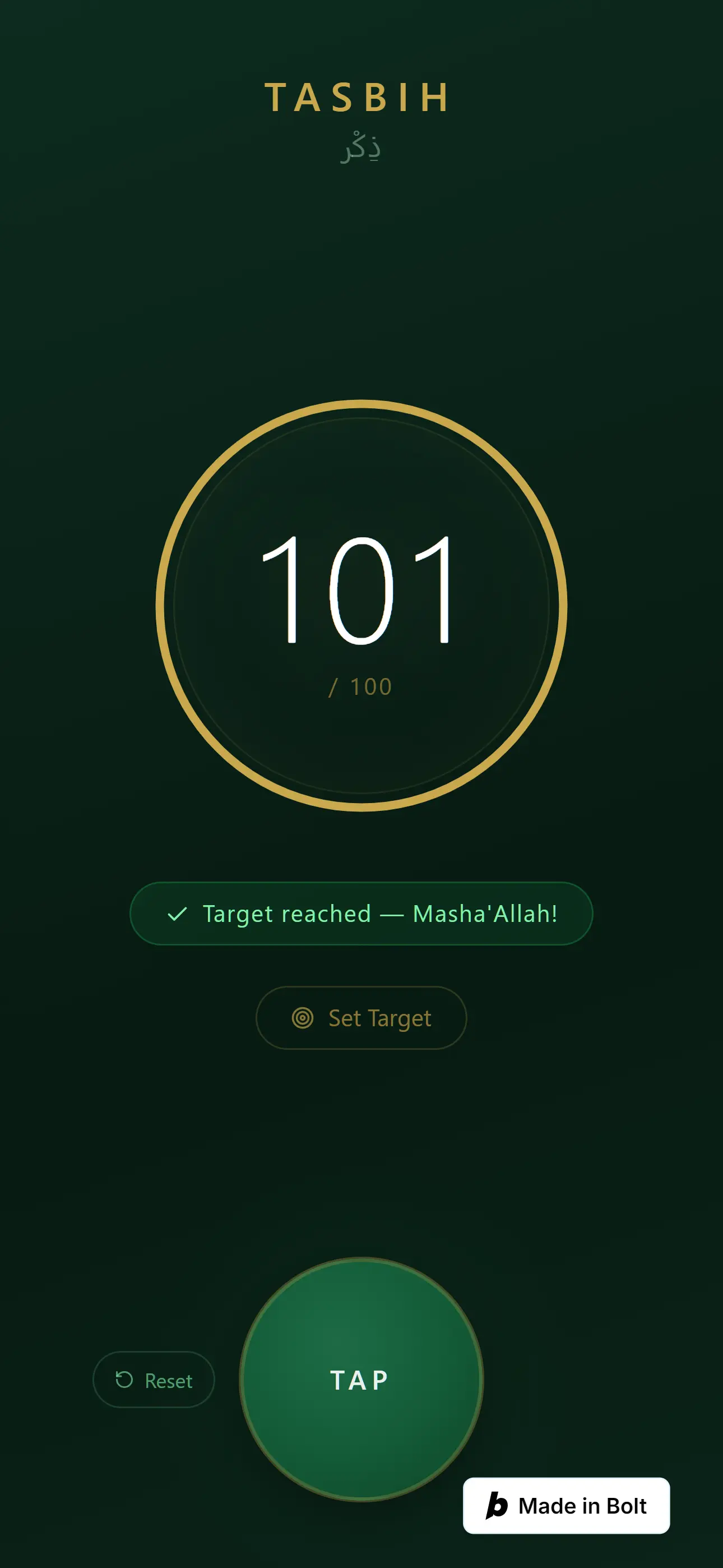
- Configurable target (33, 99, or custom) with a completion indicator
- Calm, minimal UI inspired by Muslim Pro; deep green and gold, no clutter
Scope of Work
Intentionally narrow. The scope was defined before the first prompt was written:
- ✅ What’s in: counter, persistence, reset, target
- ❌ What’s out: login, cloud sync, multiple counters, sounds, history
Defining the boundary before touching the AI tool was the single biggest factor in shipping this fast and clean.
High Level System Design
- Client-side only
- Local Storage as the persistence layer
- Single-page, no routing, keep it as simple as possible
- All data stays on the device’s browser. The counter is stored in Local Storage — no backend, no database, no network requests after the initial page load. There’s nothing to track, nothing to sync, nothing to leak.
Technologies
- AI-assisted development
- Local Storage API
- Browser-native web app. No backend, No framework overhead
How I built it
Before writing anything, I almost didn’t start. No experience with full app generation meant I wasn’t sure if what I had in mind was even “promptable”. On top of that, the sheer number of tools out there, from Cursor to Lovable, was honestly overwhelming.
So I did what I’d do before any engineering decision, I researched it first. Read forums, threads, and success stories from people who’d shipped real things through vibe coding. The pattern was clear: the ones who got it right in fewer iterations weren’t better at prompting. They were better at knowing what they wanted. That research also led me to the tools themselves. After comparing options, I landed on Bolt. It runs entirely in the browser, no local setup, no environment configuration, just describe what you want and it builds. For a quick personal tool where I wanted zero friction between idea and output, it was the right fit.
That’s when it clicked: requirements clarity isn’t a prompting skill, it’s an engineering habit I already had. So I wrote the prompt the way I’d write a requirements doc. Detailed, specific, bounded. What it does, what it looks like, what it doesn’t need, what “done” means.
One prompt. First try. App shipped.
I intentionally wrote it as if I weren’t a developer, just what user needs. And it built exactly what I needed.
See the exact prompt I used and how bolt.new turned it into a working app in one shot. Feel free to try it yourself.
 ---
 ## MY APP: Islamic Tally Counter (Tasbih)

 What I want to build:
 A simple digital tasbih (Islamic prayer counter) that works in the browser.
 The user taps a big button to count their dhikr (e.g. SubhanAllah, Alhamdulillah).
 When they close and reopen the app, it remembers where they left off.
 What it should look and feel like:
 Calm and spiritual. Think deep green and gold colors, clean and minimal.
 One big counter number in the center of the screen.
 One large tap button — easy to press with a thumb on mobile.
 One smaller tap button on the left, to reset the counter when user want to start another dhikr from count 0.
 A small reset button to go back to zero.
 Inspired by the Muslim Pro app — clean, no clutter.
 Core features I need:

 Big tap button that adds 1 to the counter each press
 Counter remembers my last count when I close and reopen the app
 Reset button to start from zero
 A target number I can set (33, 99, or custom) — show me when I reach it What I don't need right now:
 Login or accounts
 Saving to the internet
 Multiple counters
 Sounds
 ---
 I have no coding experience. You are the engineer — make all decisions.
 Give me complete, ready-to-run files every time. Never give partial code.
 After each update, tell me in one simple sentence: what changed and what I should see.
 If you need to choose between options, just pick the best one and tell me why in plain English.
 Let's start with a working version I can open in my browser and tap right away.
 ---
assets/img/projects/digital-tasbih/bolt.new_1_build_app.webp
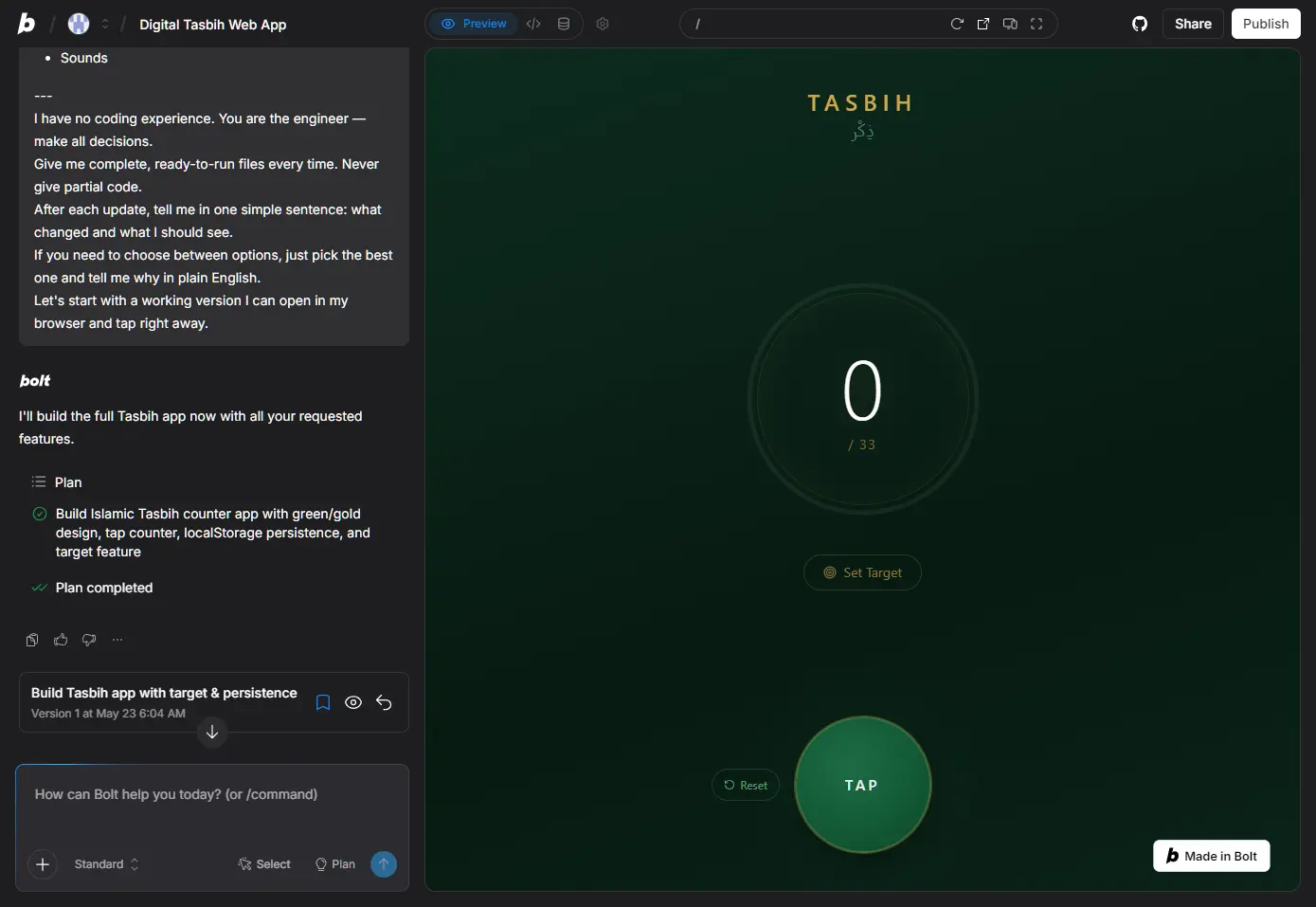
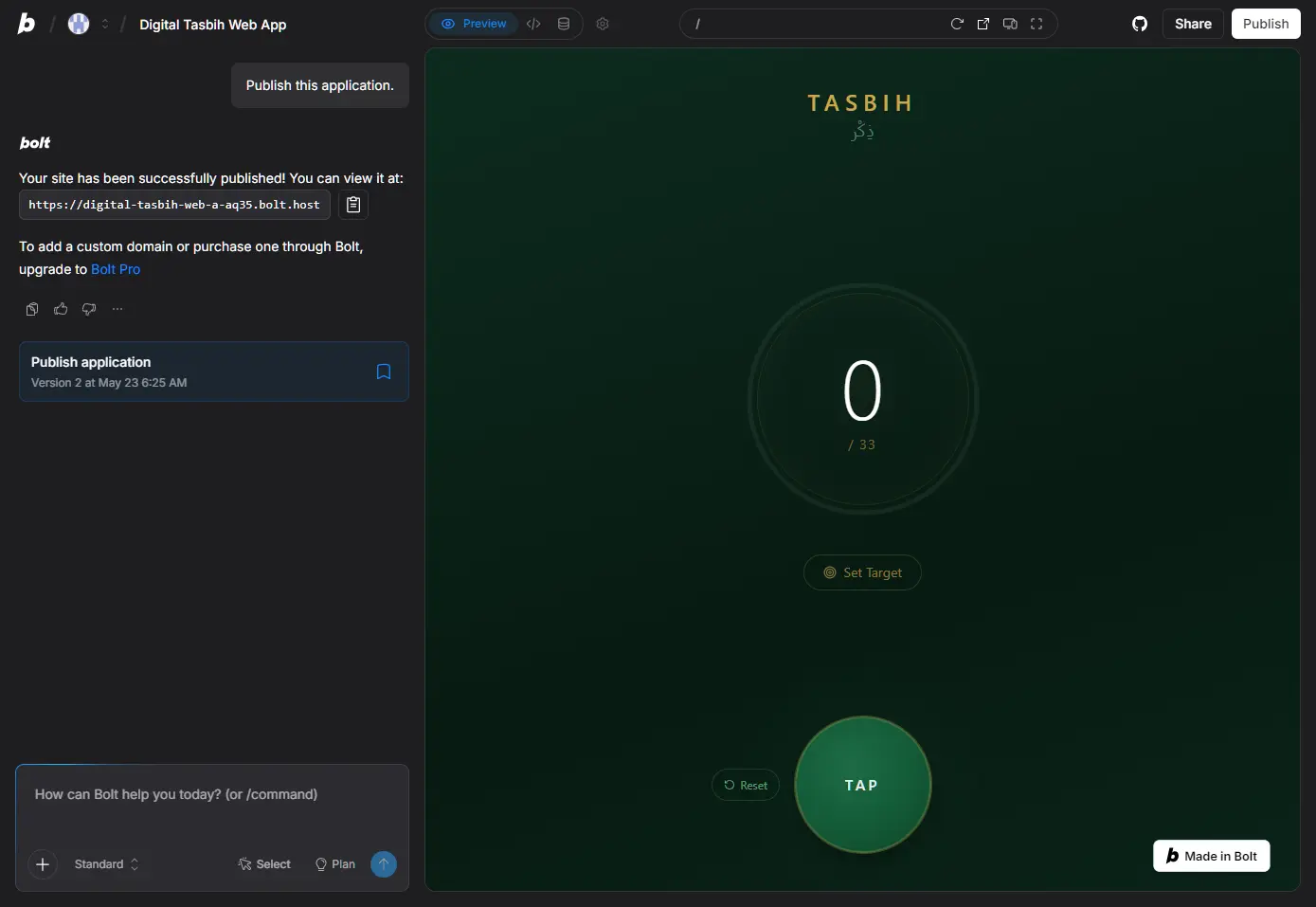
At first, I was a bit skeptical, did it actually build what I needed? So I tested it in the preview section. Turns out, it did exactly what I wanted. So I decided to publish it. The process was surprisingly simple when you don’t need a custom domain, you just send a prompt like this.
The Product
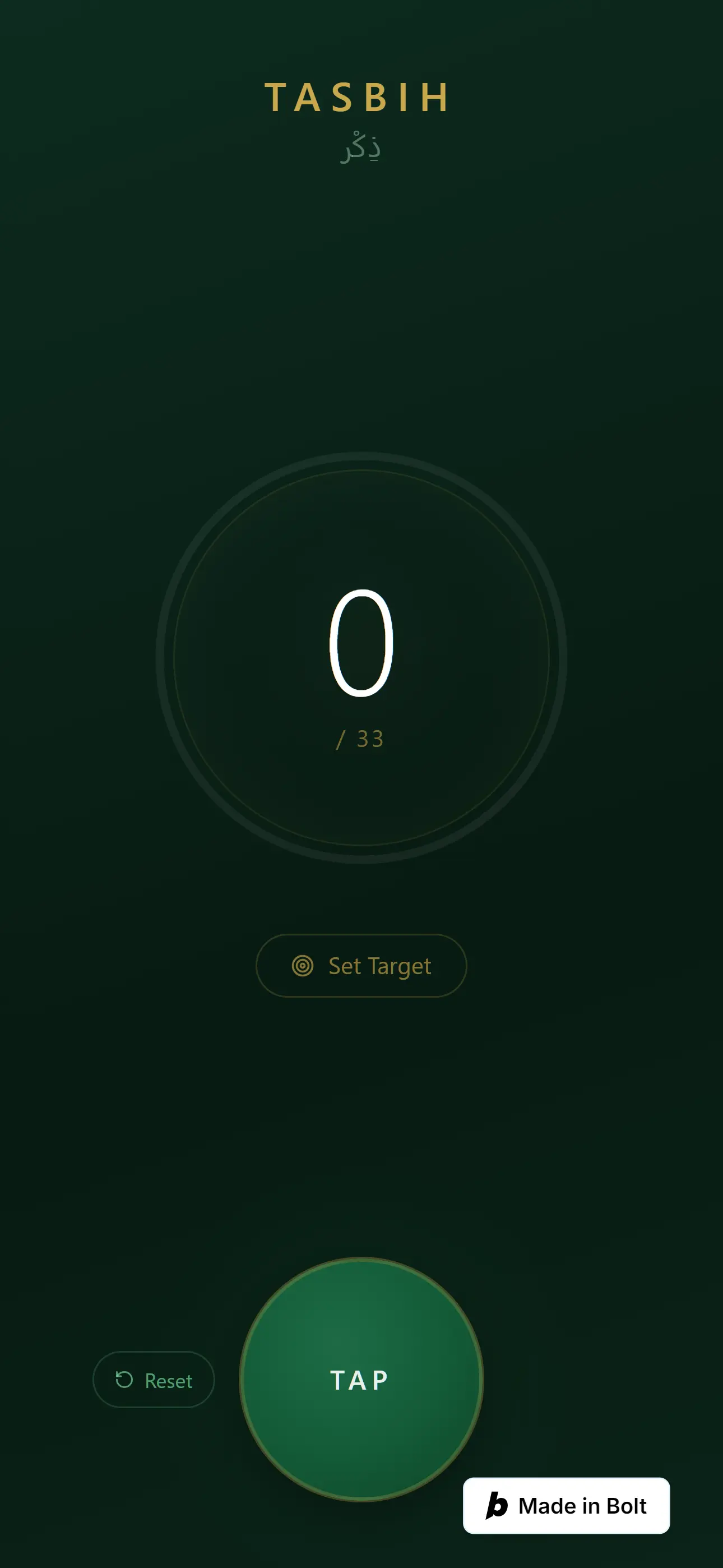
After publishing, I instinctively opened it on my phone, the most accessible device for a tasbih. After using it for several days, the app ran perfectly across browsers, Safari and Chrome, on both mobile and desktop.
Checkout the app in action:

Challenges
- Familiar with AI-assisted coding through code completion, but had no experience building an app from scratch without writing a single line of code myself.
- Didn’t know how to structure prompts for full app generation, it’s a different skill from using autocomplete.
- Most tutorials assume you already know what you want to build in detail, mine was just a vague need.
Solutions
- Read documentation and success stories from products built through vibe coding
- Key insight: for apps without complex security or logic, a well-constrained prompt is almost all you need
- Defined the app’s boundaries clearly before touching any tool. What’s in, what’s out, what “done” looks like
- Shipped fast, before second-guessing crept in
Lessons Learned
Good prompting is just good requirements gathering. The AI doesn’t read between the lines like humans do, it builds exactly what you describe. If you know what you want as a user and can articulate it with clear goals, constraints, and boundaries, you already have most of what you need to ship something real.
The hard part isn’t the AI. It’s knowing what you want before you ask.